A customer cannot finish submitting a document if your Lovable app rejects the attachment. When the upload returns 403 with new row violates row-level security policy, start with the file’s destination: do its bucket and first folder match the existing Storage policy for the signed-in user? A change to the upload path can break an established document workflow without breaking login. If that mismatch caused the failure, correcting the path restores the intended permission check without making customer files public.
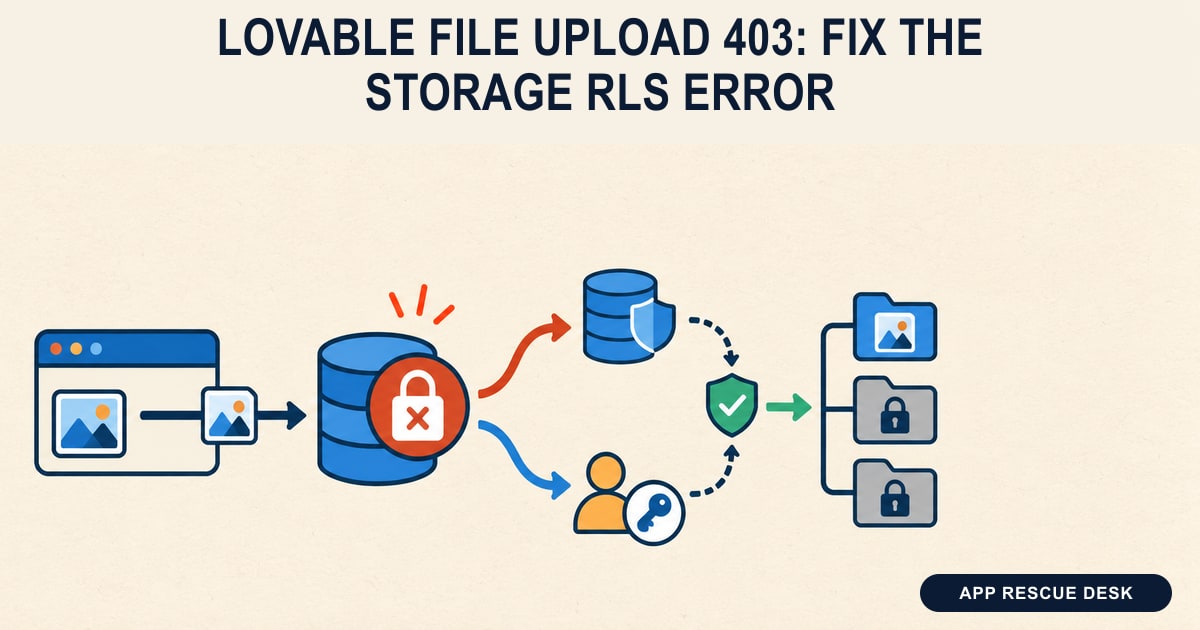
Every platform claim below was checked against vendor documentation on 2026-10-15. App Rescue Desk is independent and is not affiliated with Lovable or Supabase.
TL;DR
- Check the failed Storage request, not just the upload button’s error message.
- Compare its bucket and file path with the policy on
storage.objects. - Test a path correction with accounts and files you control before publishing it.
- If the path matches, check the request’s session, overwrite behavior, and any
SELECTpolicy required by that operation.
What does a Lovable file upload 403 mean?
This article covers a published Lovable app connected to a Supabase project you can inspect, where customers could previously upload files. It is not about attaching a file to the Lovable editor chat. Lovable’s Supabase integration supports application file storage alongside authentication and database features.
An affected request or its logs can contain these messages:
403 Forbidden
new row violates row-level security policy
new row violates row-level security policy for table "objects"
Keep the HTTP status and response body separately; an error displayed by the app can omit details. The RLS message points to a database access rule rejecting the operation. A bare 403 without that message is not enough to identify the cause.
Supabase controls Storage operations through policies on storage.objects. Permission to use an application table does not automatically grant permission to upload an attachment. See Supabase Storage access control.
How do you check the failed upload without changing permissions?
Use a harmless test file and an account you control. Do not retry a customer’s confidential document as a debugging sample.
- Open the published app’s failing form.
- Open the browser’s Network panel.
- Upload the test file once.
- Select the failed request containing
/storage/v1/. - Record the request hostname, bucket, file path, status, and response message.
- Record the timestamp and timezone.
- Check the matching Storage log entry in the production backend.
If the error names an application table instead of objects, follow that table’s failed request. The upload and the later write that attaches a file to an application record are separate operations.
For a Supabase project you own, this read-only SQL lists the Storage policies without changing them:
select policyname, permissive, roles, cmd, qual, with_check
from pg_policies
where schemaname = 'storage'
  and tablename = 'objects'
order by policyname;
Compare the rules with the failed request. Check which role each policy covers and whether it expects a user folder or an organization folder. Do not paste authorization headers, cookies, or signed URLs into a support ticket.
How can the wrong file path cause a Lovable upload RLS error?
Consider an illustrative document-upload feature, not a customer case. Each signed-in user stores private PDFs in a folder named after their Auth user ID. The bucket is customer-documents.
Its existing INSERT policy applies to authenticated and has this WITH CHECK condition:
bucket_id = 'customer-documents'
and (storage.foldername(name))[1] = (select auth.uid()::text)
The Storage folder helper splits the path into folders. Here, [1] selects the first folder. The rule compares it with the requesting user’s ID.
Suppose a form change now sends documents/attachment.pdf instead of <user-id>/attachment.pdf. The first folder is documents, so it fails this condition. Signing in again does not change that path.
Before using this example, check that your app actually uses this per-user design. It does not fit shared organization folders, guest uploads, or a backend that issues signed upload URLs.
What is a narrow fix for the mismatched upload path?
Keep the existing policy. Correct the path in the upload handler on a non-production copy first. This example uses the app’s existing signed-in Supabase client and a harmless PDF:
async function uploadTestPdf(file: File) {
  const { data: { user }, error: authError } =
    await supabase.auth.getUser()

  if (authError || !user) {
    throw new Error('Sign in before uploading the test document.')
  }

  const path = `${user.id}/${crypto.randomUUID()}.pdf`
  const { data, error } = await supabase.storage
    .from('customer-documents')
    .upload(path, file, { upsert: false })

  if (error) throw error
  return data.path
}
The bucket must already exist. Use its real name and retain the app’s file-type and size validation. The .pdf suffix does not validate the file’s contents. Supabase documents the upload method and path parameter and the current-user check.
The important change is the first folder, not the random filename. The random filename avoids replacing an existing test file. Returning data.path gives the caller the path to store against the application record; it does not save that record itself.
If you use Lovable project chat to prepare the change, give it a bounded request:
Inspect the upload handler for the customer-documents bucket.
Its existing INSERT policy expects the first folder to equal the Auth user ID.
The failing handler sends documents/<filename> instead.
Propose a change that uses the signed-in user's ID as the first folder.
Preserve file validation and the application's stored file-path reference.
Do not change RLS policies, bucket visibility or existing customer files.
Show the diff for review before publishing.
What should pass before the upload fix reaches customers?
Run these checks on the non-production copy with two test accounts:
- Upload a new file as user A into user A’s folder.
- Check that the application saves the returned path.
- Open the attachment through the intended private download flow.
- Sign in as user B in a separate browser session.
- Attempt an upload into user A’s folder.
- Attempt to read user A’s private attachment as user B.
The first user’s permitted actions should work. The second user’s cross-account attempts should fail. These are expected results for this example, not results observed on your app.
Review the diff before publishing. Keep the previous deployment available. After release, repeat the permitted upload on the live domain with your test account. A successful upload alone does not prove that the customer can submit the completed form.
Why can Supabase Storage still reject the upload when the path is correct?
Does the failing Storage request have a valid user session?
A visible account name does not establish which session the upload request uses. If the response instead names JWT expired or an invalid refresh token, follow the Lovable JWT and refresh-token checks before editing Storage policies.
Is the app replacing a file rather than uploading a new one?
Check upsert in the upload call. Supabase documents additional SELECT and UPDATE permissions for overwrite operations. A form that recently changed from new filenames to one fixed filename needs this distinction checked.
Do not enable overwrite just to suppress a collision. The standard upload documentation distinguishes an existing-path error from an authorization failure.
Can a missing SELECT policy cause the Storage upload error?
Yes, for the metadata-returning failure described in Supabase’s upload 403 troubleshooting note. That note describes an insert with RETURNING *: the new row must also satisfy a read policy, or the transaction fails.
The general access-control guide lists INSERT for a standard new upload. Do not infer a missing SELECT policy from every 403. Check the operation and matching logs first. If this is the documented metadata-returning case, test a read policy limited to the intended bucket and user or organization.
Also review the policies already present. PostgreSQL combines permissive policies with OR, so adding a narrow policy does not cancel a broader existing one. Its CREATE POLICY documentation explains policy combinations and RETURNING checks.
If the upload succeeds but a later application query returns an empty list, that is a different failure. Use the RLS empty-result comparison rather than repeating the upload.
When does a Lovable upload failure need a wider repair?
The path correction is enough only when the file belongs to one user and the mismatch explains the rejected request. It does not reconcile older attachments, shared workspaces, or application records that point to files which never arrived.
For example, a document-submission app might save an application record before it uploads the attachment. Restoring future uploads would still leave earlier submissions incomplete. Before asking customers to resubmit, identify which records are affected and whether the original files exist.
That is where the work extends beyond changing the upload handler: someone must check the file, its application record, and the intended reader together.
Frequently asked questions
Will making a Supabase bucket public fix a Lovable upload 403?
No. Public buckets allow public retrieval of files, but uploads still require access control. Making a private bucket public can expose customer attachments without fixing the rejected upload. Supabase explains this in its public and private bucket documentation.
Should I put a Supabase secret key or service-role key in Lovable browser code?
No. Supabase secret keys and the legacy service_role key use the service_role Postgres role, which bypasses RLS. Never expose either in browser code. Repair the intended user’s access path instead of replacing it with privileged access.
Does a Lovable Storage RLS error mean the customer’s file was deleted?
No. The error alone does not establish whether an earlier file exists or what the application saved before the failure. Check the exact file path and related application record before deleting anything or requesting another submission.
Can I use the user-folder fix for a shared Lovable workspace?
Not unchanged. A workspace folder needs rules based on the intended membership and roles. Replacing its identifier with a user ID can break shared access. Test that design separately from this per-user example.